
A quality-aware nearby station
The default public reading is a named PurpleAir station selected using distance, freshness, and data quality—not distance alone.
Air quality, made local
AirLocal brings nearby PurpleAir, official AirNow monitors, your own sensor, widgets, and alerts into one effortless iPhone view.
Launching soon · iPhone · iOS 17+
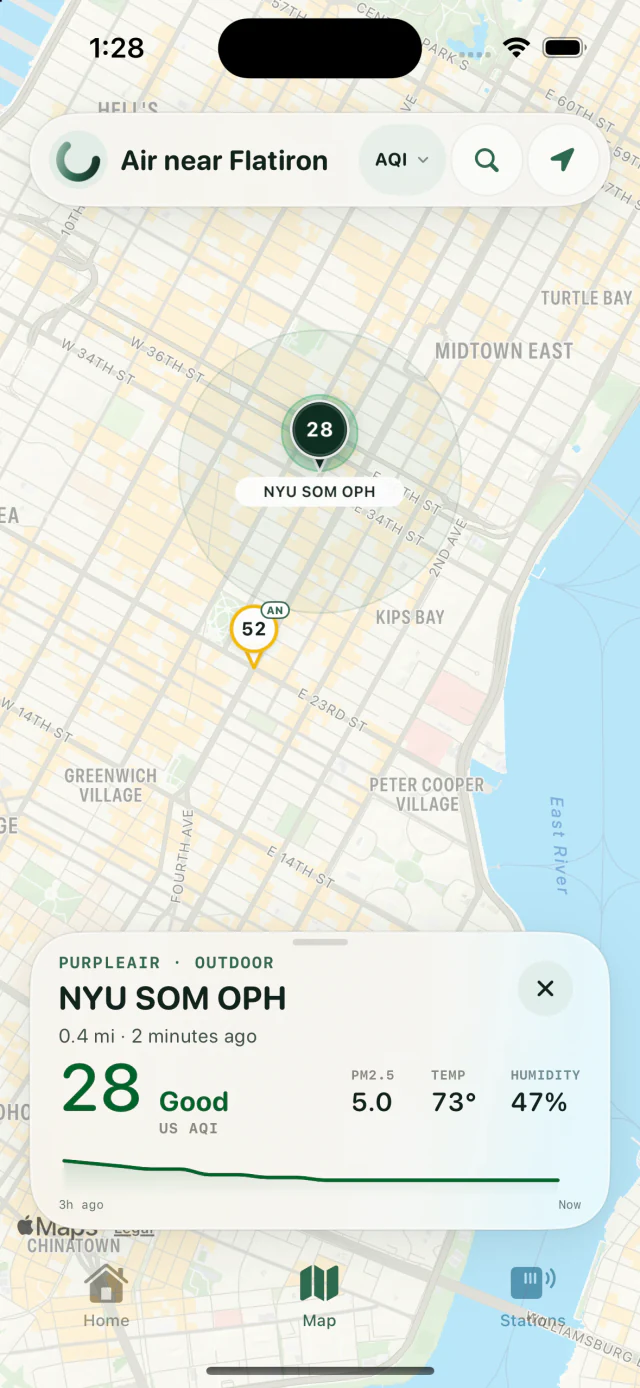
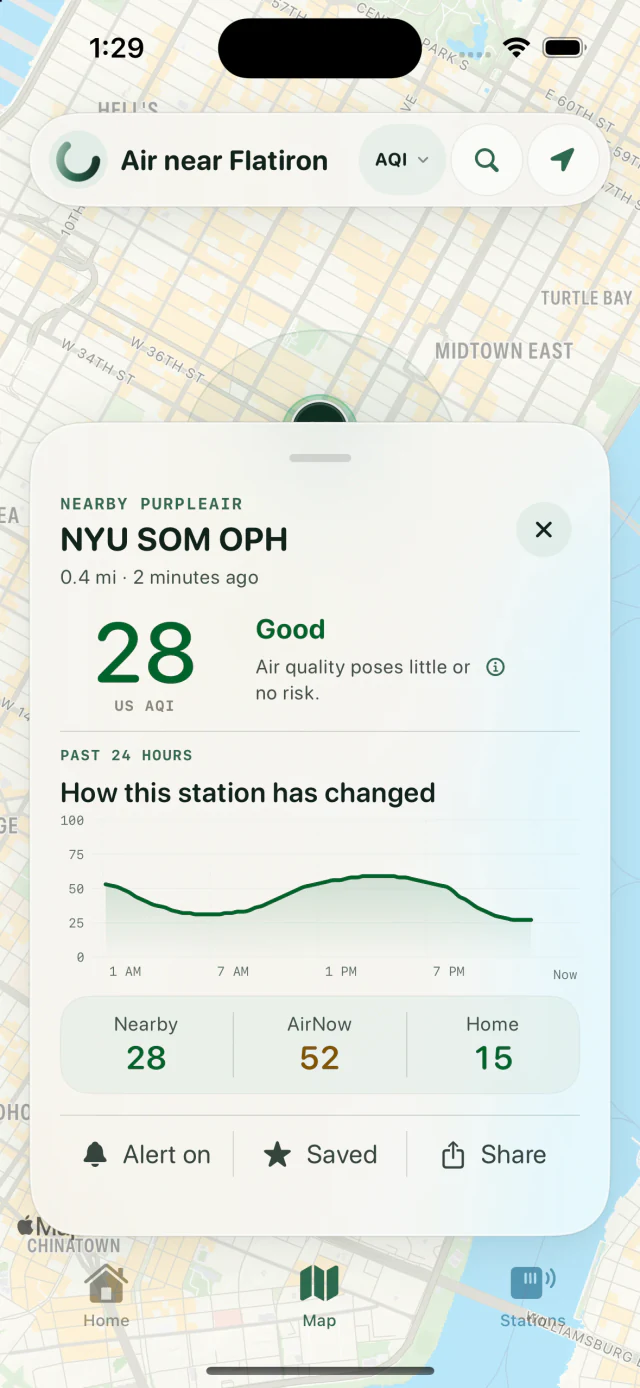
A map worth exploring
AirLocal keeps the stations on the map—the point is to see what is happening around you—then turns any one of them into a calm, legible story.
Source truth
Air quality is only useful when you know what produced the number. AirLocal keeps each source explicit instead of blending unlike readings behind one vague score.
The default public reading is a named PurpleAir station selected using distance, freshness, and data quality—not distance alone.
Official current conditions and the regional outlook remain clearly labeled. AirNow never appears silently under the Nearby PurpleAir identity.
For PurpleAir Zen and Flex owners, AirLocal reads the sensor directly on local Wi-Fi first and preserves a real 24-hour history on the iPhone.
Designed for real life
The calm surface is backed by deliberate behavior: honest widgets, selective alerts, direct local readings, and privacy choices you can actually understand.
Exact phone coordinates stay on the iPhone. AirLocal has no account, advertising SDK, cross-app tracking, or data-broker integration.
Choose Nearby, AirNow, your sensor, or a saved station. Every widget includes the reading age because iOS controls refresh timing.
Set separate rising and falling AQI thresholds, plus offline and back-online events for supported PurpleAir sources.
Almost ready
AirLocal is preparing for public release on iPhone. Until then, explore how the app handles data or get in touch with a question.