Hold a card and move on.
Complete a habit, add to a target, or record a lapse.
A habit tracker you’ll actually use
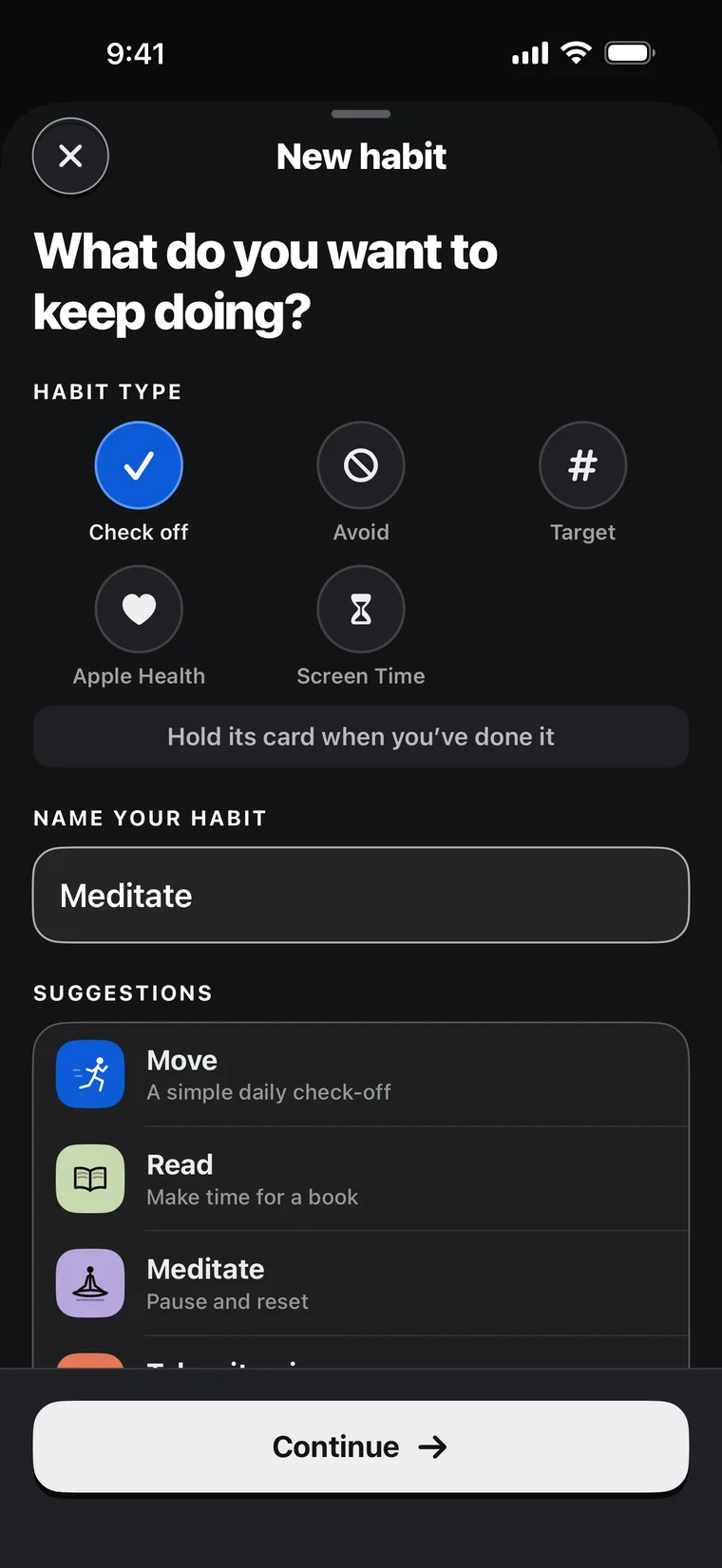
Track habits daily, on specific days, or a few times a week. Hold a card to mark it done.
Pay once for unlimited habits. No subscription.
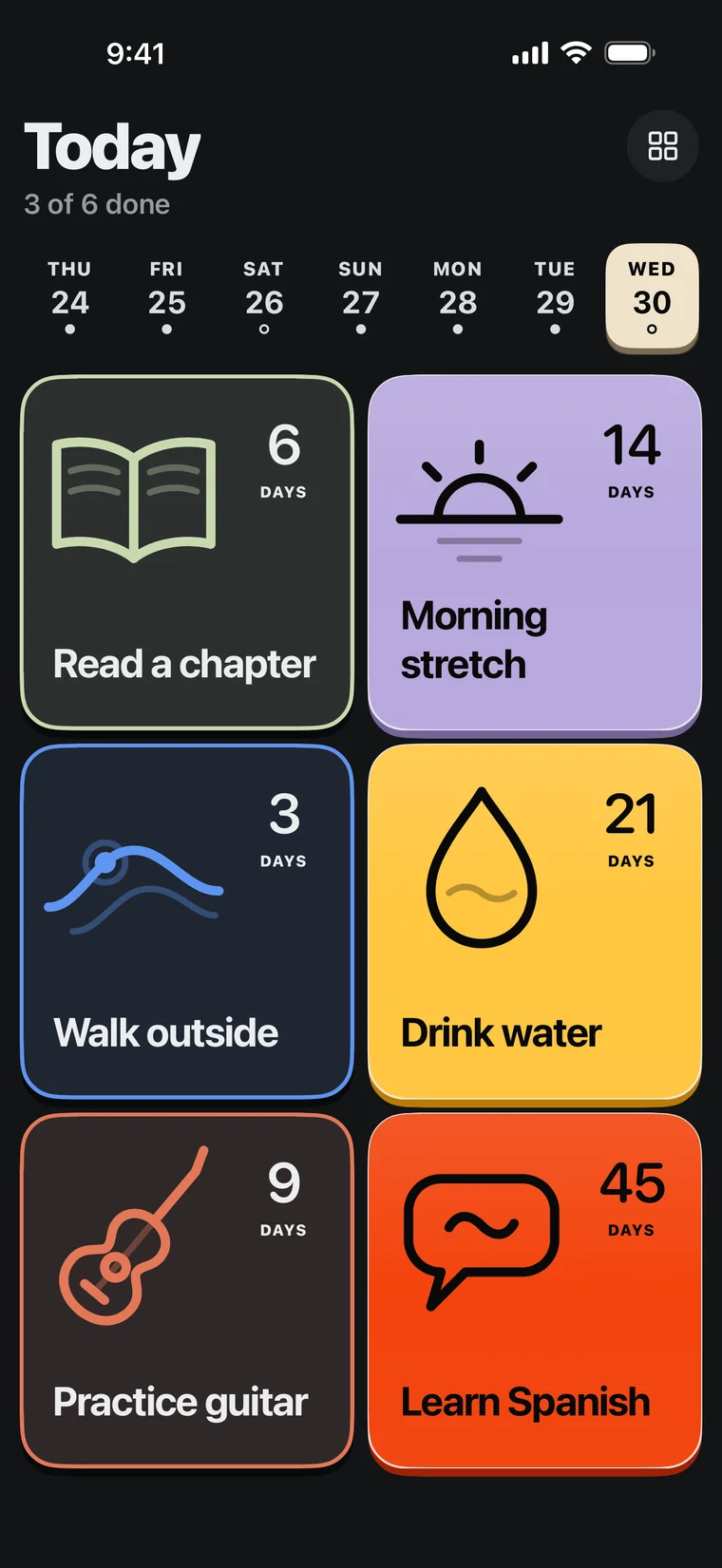
The basics, done right
Choose a rhythm. Mark it done. See how it’s going.
Complete a habit, add to a target, or record a lapse.
Pick exact days, or choose how many times you want to do it each week.
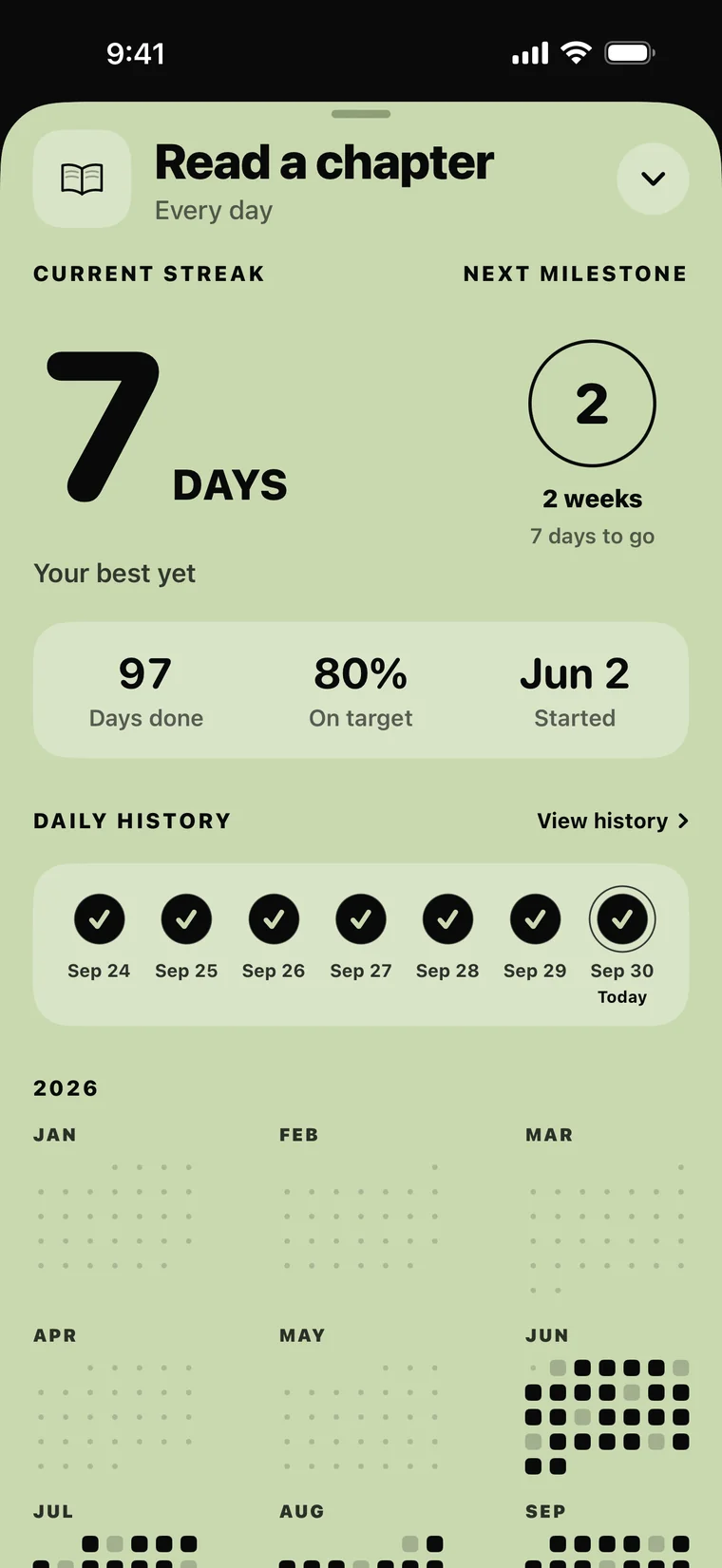
See your streak, your best, and every day of the year.
Inside Keep On
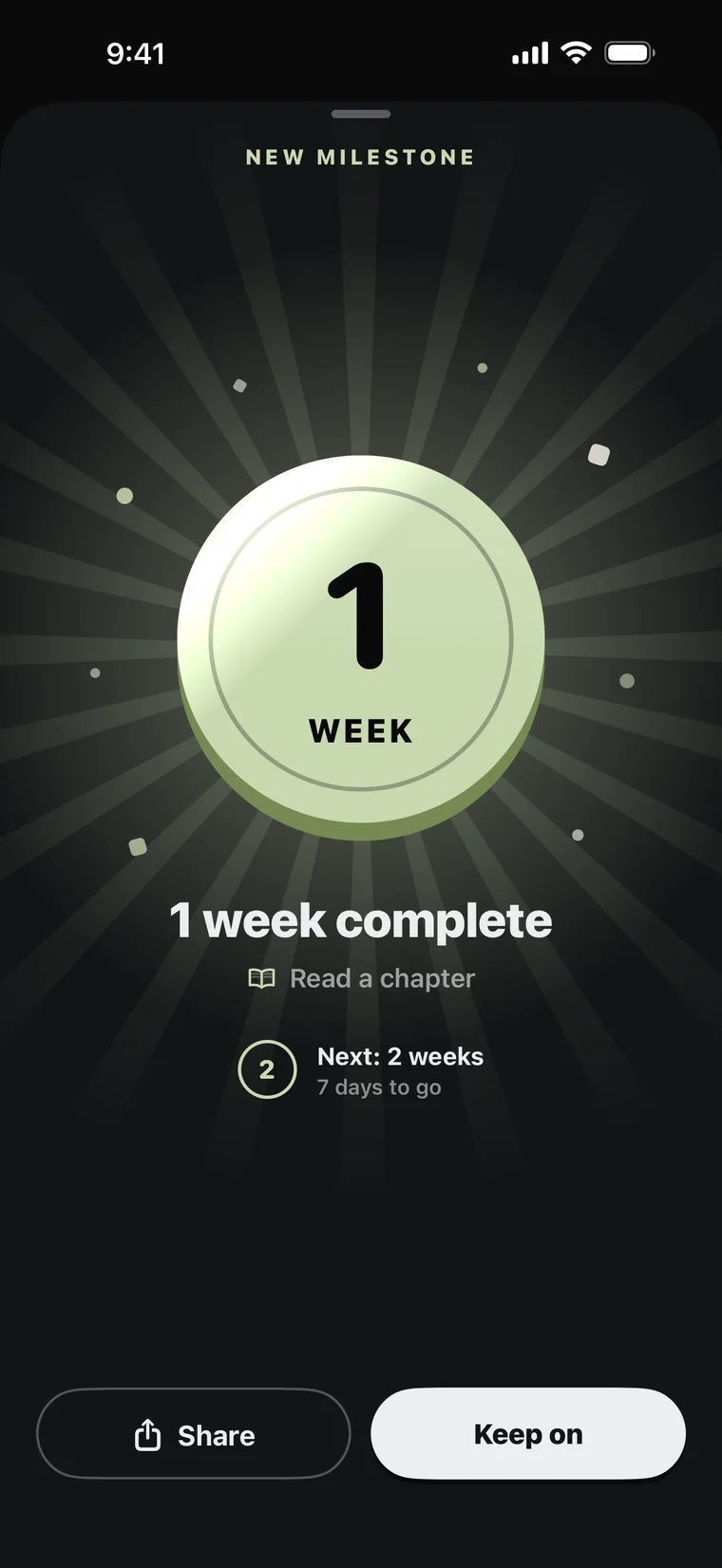
Milestones
Your first milestone comes after a week, and more arrive as your streak grows. Share any of them with a friend.
Apple Health + Screen Time
Connect Apple Health or Screen Time and supported habits update automatically.
Turn steps, sleep, workouts, water, and more into progress.
Set a target or limit for selected apps and categories.
Private by design
Your habits stay on your devices. Apple Health, Screen Time, notifications, and iCloud backup are optional.
Habit names, schedules, history, and progress stay in local app storage.
Keep On asks for Apple access only when you use that feature.
Delete habits or iCloud recovery copies whenever you want.